
Turn hardcoded strings into governed content
Normalize scans existing code, extracts hardcoded UI text into structured content, patches reuse points, and turns AI-generated copy into a governed workflow.
$ contentrain scan ./src
Scanning source for hardcoded strings…
✓ Scanned 47 files
123 candidate strings found
marketing/hero 18
ui/navigation 24
ui/buttons 31
→ extracted to branch cr/normalize/marketing
✓ Ready for review in Git
Scan
Start with the strings already in your codebase
Normalize is designed for real projects that already contain button labels, empty states, headings, validation messages, and marketing copy. It scans source files and groups candidates before anything is written.
- Candidate extraction with length and file filters
- Graph mode for component and import context
- Works best with local provider access to source files
<h1>Start your free trial</h1>
<p>No credit card required</p>
<button>Get started</button>
<a href="/pricing">See plans</a>
# 124 strings scattered across 47 files
# invisible content debt
Extract
Extract content before patching source code
The workflow separates extraction from reuse. First, approved strings become Contentrain content entries; then code can be patched to consume generated access after the content model is reviewed.
- Content creation without source mutation
- Traceability from source file and line
- Reviewable branch workflow for generated content
{
"title": "Govern content your AI ships",
"cta": "Start free trial",
"badge": "New",
"locale": "en"
}
# typed, validated, queryable
Reuse
Replace hardcoded strings with generated access
After extraction, reuse patches update source files with expressions chosen for the framework. This keeps application code small while making text editable, localizable, and visible to agents.
- Framework-aware replacement expressions
- Import insertion when needed
- Conflict checks around the original string
$ contentrain validate
Validating content against schemas…
◇ Validation complete
Models checked: 9
Entries checked: 56
✓ Errors: 0
✓ Warnings: 0
All content valid — safe to merge
i18n
Turn localization into a normal content operation
Once strings are structured, locale parity and translation review can be handled as content quality work instead of grep-and-replace. Dictionaries and collections can carry locale-specific values without hiding them from Git.
- Locale-aware content files
- Validation for missing required localized fields
- Translation workflows that keep source and target content aligned
Review
Use Studio when Normalize becomes team work
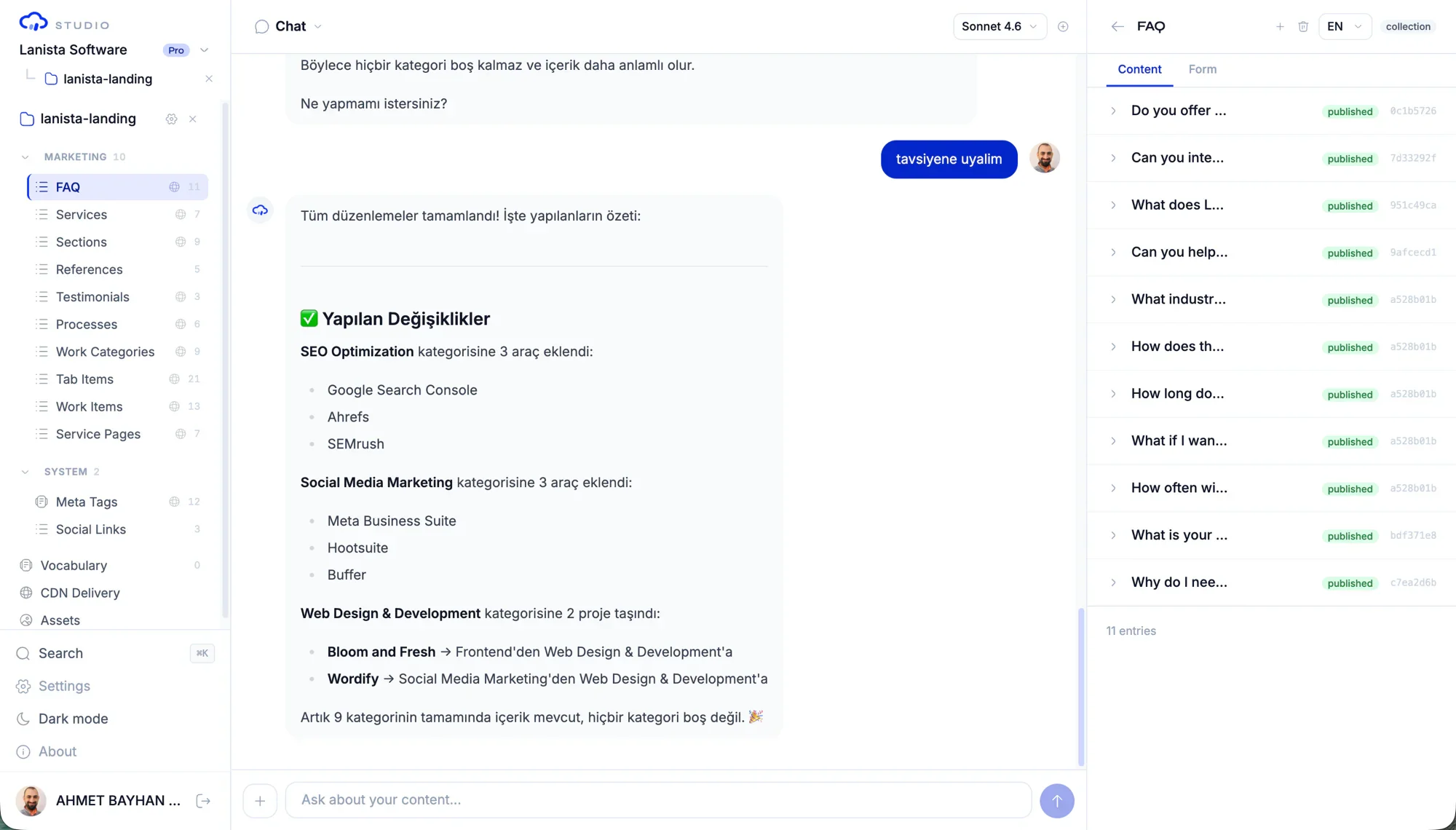
Normalize can start as a local developer workflow. Add Studio when content teams need structured views, role-based review, and branch governance; media context is available where the deployment supports it.
- Review screens for branch changes
- Role-based access for content editors and reviewers
- A path from one developer cleanup to a team process
$ contentrain diff
● Pending branches (3)
cr/content/marketing/hero +2 / -1
cr/content/blog/launch +5 / -0
cr/content/faq/pricing +1 / -0
✓ Approve in Git → merged to main
Common questions
Does Normalize edit source code immediately?
No. The recommended flow extracts approved content first, then applies reuse patches after review. That separation makes the migration easier to inspect.
What kind of strings should be normalized first?
Start with repeated UI labels, empty states, marketing sections, onboarding copy, docs snippets, and localization candidates that product teams will edit again.
Can Normalize work without a remote Git provider?
Yes. The local provider supports source scanning and file operations. Remote providers are useful for hosted workflows, but local source access is the strongest starting point.
Next paths
Continue through the content system
Normalize migration playbook
Move hardcoded UI copy into structured content safely.
Developer implementation playbook
Install, model, validate, generate, and ship runtime access.
Hardcoded strings use case
See why extraction should start inside the codebase.
Content editor workflow playbook
Give editors Studio workflows without losing Git review.
Start local. Scale to Studio.
Build a governed content layer before content becomes product debt.
Start locally with the MIT packages. Add Studio when teams need review, roles, structured editing, managed delivery, or deployment control.