
Run Contentrain Studio on infrastructure you control
Run the AGPL Studio Community edition on infrastructure you control, keep content in Git, and add Enterprise terms or capabilities when organizational requirements call for them.
Self-host anywhere
Run Studio and delivery on your own infrastructure with the AGPL core or the enterprise edition.
Deployment
Run the same Git-native operating model yourself
Self-hosting is valuable because the content model does not change. Studio still operates content through schemas, files, validation, branches, commits, and review paths.
- AGPL Studio codebase
- Git-backed content operations
- Branch and diff review surfaces
$ docker compose up -d
✓ studio running :3000
✓ database running :54321
✓ cdn running :8787
→ Studio on your own infrastructure
# AGPL core · enterprise edition optional
Infrastructure
Own the infrastructure integrations
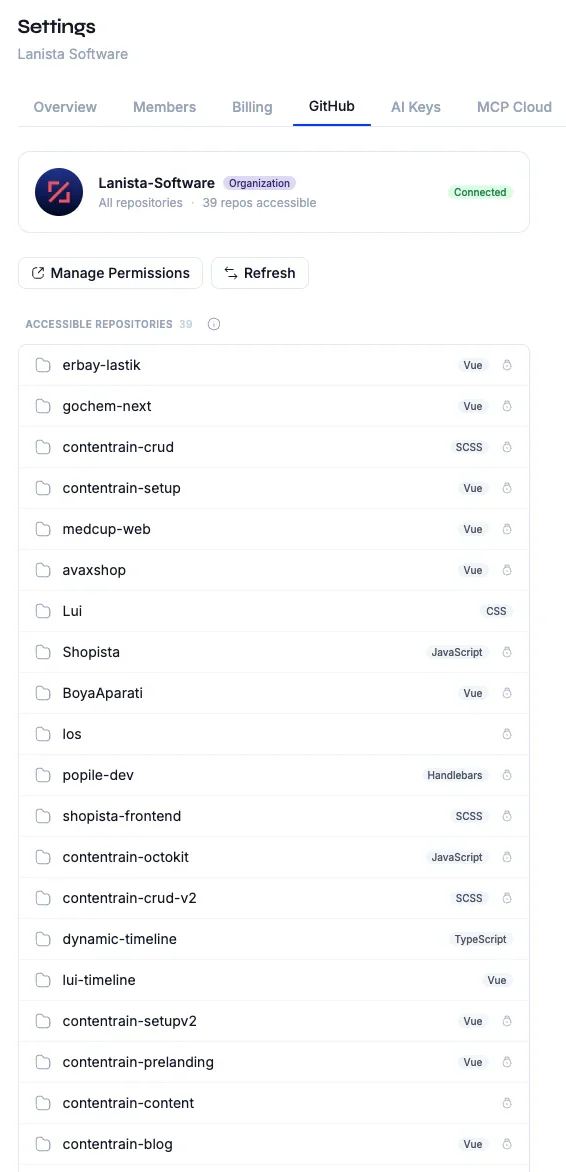
Studio uses provider contracts for authentication, database access, repositories, caching, and optional storage and media services. Self-managed teams can select and operate the integrations supported by their edition and deployment.
- Authentication and database provider boundaries
- GitHub and GitLab repository provider paths
- Optional cache, object storage, and media services
AI operations
Keep AI key strategy under your control
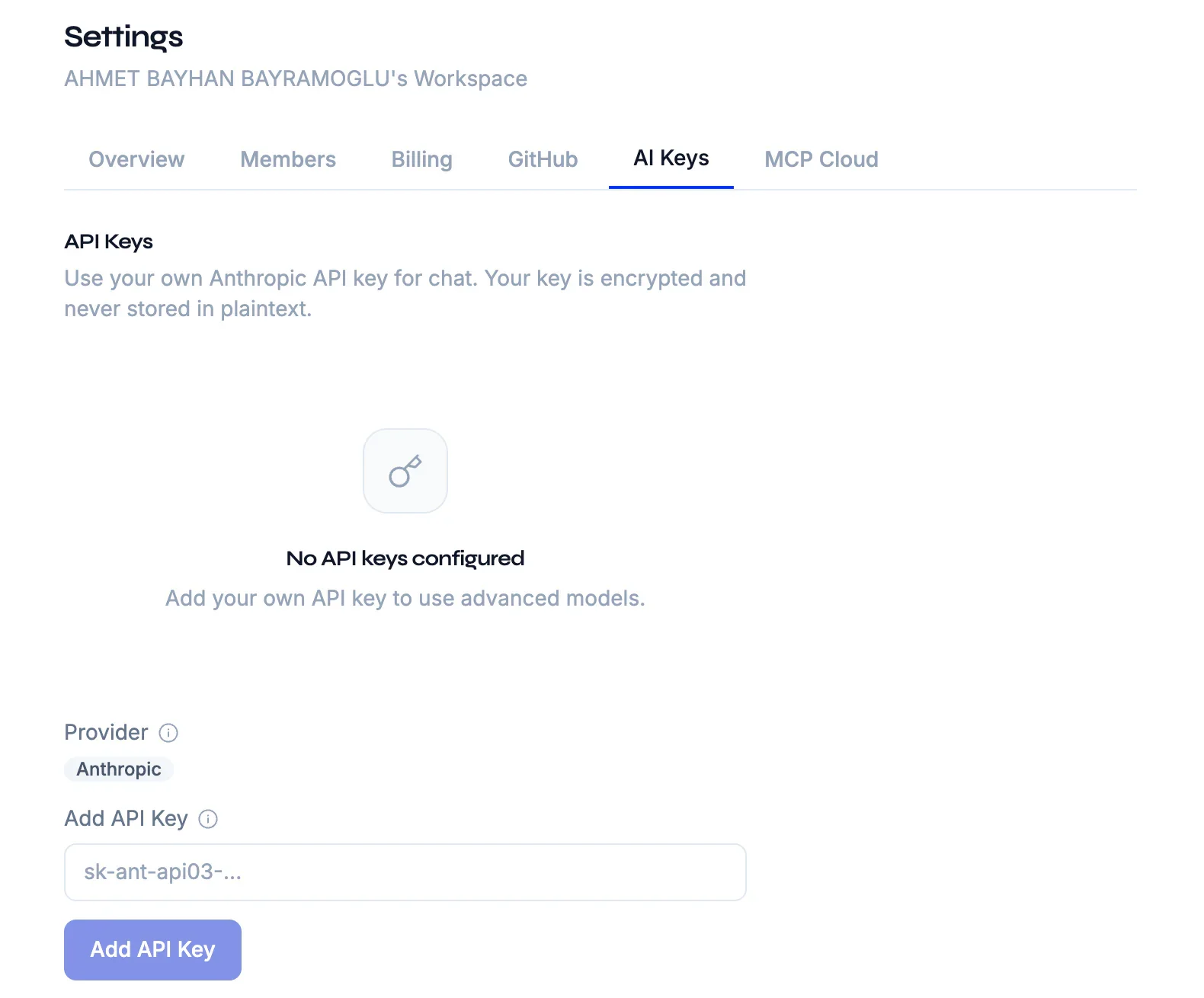
AI key ownership and managed usage depend on the selected edition and plan. Community deployments can use their supported provider-key path, while eligible managed or Enterprise deployments can expose additional key and usage controls.
- BYOA workspace key management
- Usage and overage controls
- Provider-level boundaries
Enterprise
Choose Community or Enterprise terms for your requirements
Use the AGPL Community edition when its license and capabilities fit. Choose Enterprise when the organization needs separately licensed features, custom terms, support, or deployment assistance.
- AGPL-3.0 Community edition
- Separately licensed Enterprise capabilities
- Support and deployment options for controlled environments
Enterprise
Dedicated support, SSO, white-label, and custom infrastructure.
Developer path
Self-hosting still benefits from the MIT packages
The local packages remain useful even when Studio is self-managed. CLI, MCP, SDK, rules, and skills keep developer workflows portable across local development, CI, and hosted operations.
- Local CLI and MCP workflows
- Generated SDK access
- Shared validation and agent rules
Git is the source of truth
Content lives in your repo as plain JSON and Markdown — every change is a commit, branch, and reviewable diff.
Common questions
Is self-hosting only for enterprise customers?
No. The AGPL Studio core supports self-managed use, while commercial licensing is the path for teams that need enterprise terms, support, or licensed capabilities.
Does self-hosting change the content format?
No. The content remains Git-native JSON and Markdown governed by Contentrain schemas, validation, and generated access.
Can self-hosted teams still use the open-source packages?
Yes. The MIT packages are useful in local development and CI even when Studio runs in controlled infrastructure.
Next paths
Continue through the content system
Start local. Scale to Studio.
Build a governed content layer before content becomes product debt.
Start locally with the MIT packages. Add Studio when teams need review, roles, structured editing, managed delivery, or deployment control.