
Let non-developers edit without losing Git control
Editors work in Studio. Developers keep branches, diffs, validation, and source-of-truth control.
Problem
Content teams need access without breaking the Git workflow
Non-developers should be able to change structured content, but product teams still need schemas, validation, diffs, and approval. Studio sits between those needs.
- Content editing without direct repository work
- Schema-aware fields for different model kinds
- Git-backed review before production
Content teams
Studio chat and UI workflows over Git-backed content with review and roles.
Editing
Structured views match the content type
Studio includes collection, document, dictionary, singleton, vocabulary, and content panel surfaces. Editors do not need to know the file layout to work within the model.
- Collection and document editing
- Dictionary and singleton workflows
- Vocabulary visibility for consistent language
Approval
Reviewers see the change, not just the final page
Branch detail, diff, branch health, moderation, and review flows make content approval concrete. Teams can reject, merge, or continue work with the content state still represented in Git.
- Branch detail view
- Diff and health checks
- Reviewer-oriented workflow
.contentrain/content/marketing/hero/en.json
"title": "Govern content your AI ships",
-"cta": "Sign up",
+"cta": "Start free trial",
+"badge": "New",
"locale": "en"
Reviewed by @editor · approved
Operations
Keep eligible media and delivery work beside structured content
Content teams often manage images, forms, submissions, webhooks, and delivery rules alongside text. Studio can bring those operations into the same workspace when the required plan, edition, storage, and project settings are enabled.
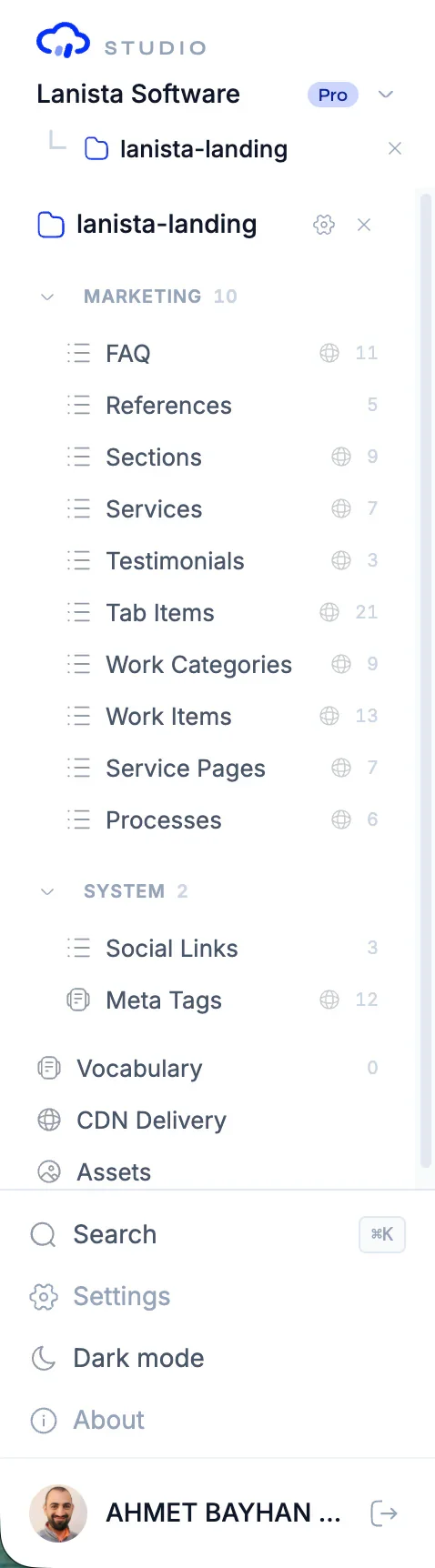
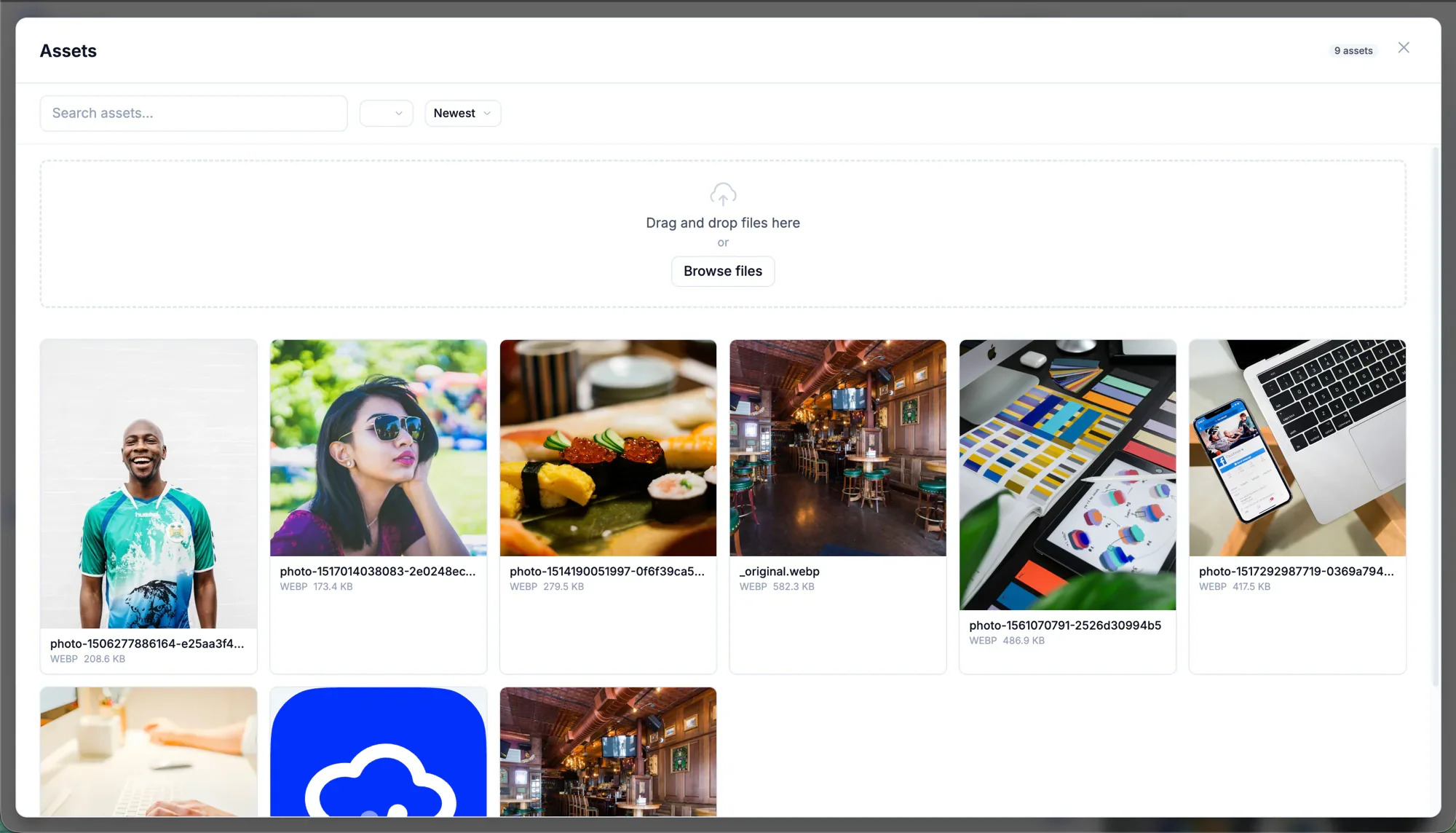
- Asset manager and image picker
- Form configuration and submissions
- CDN and webhook panels
AI assist
AI assists inside controlled boundaries
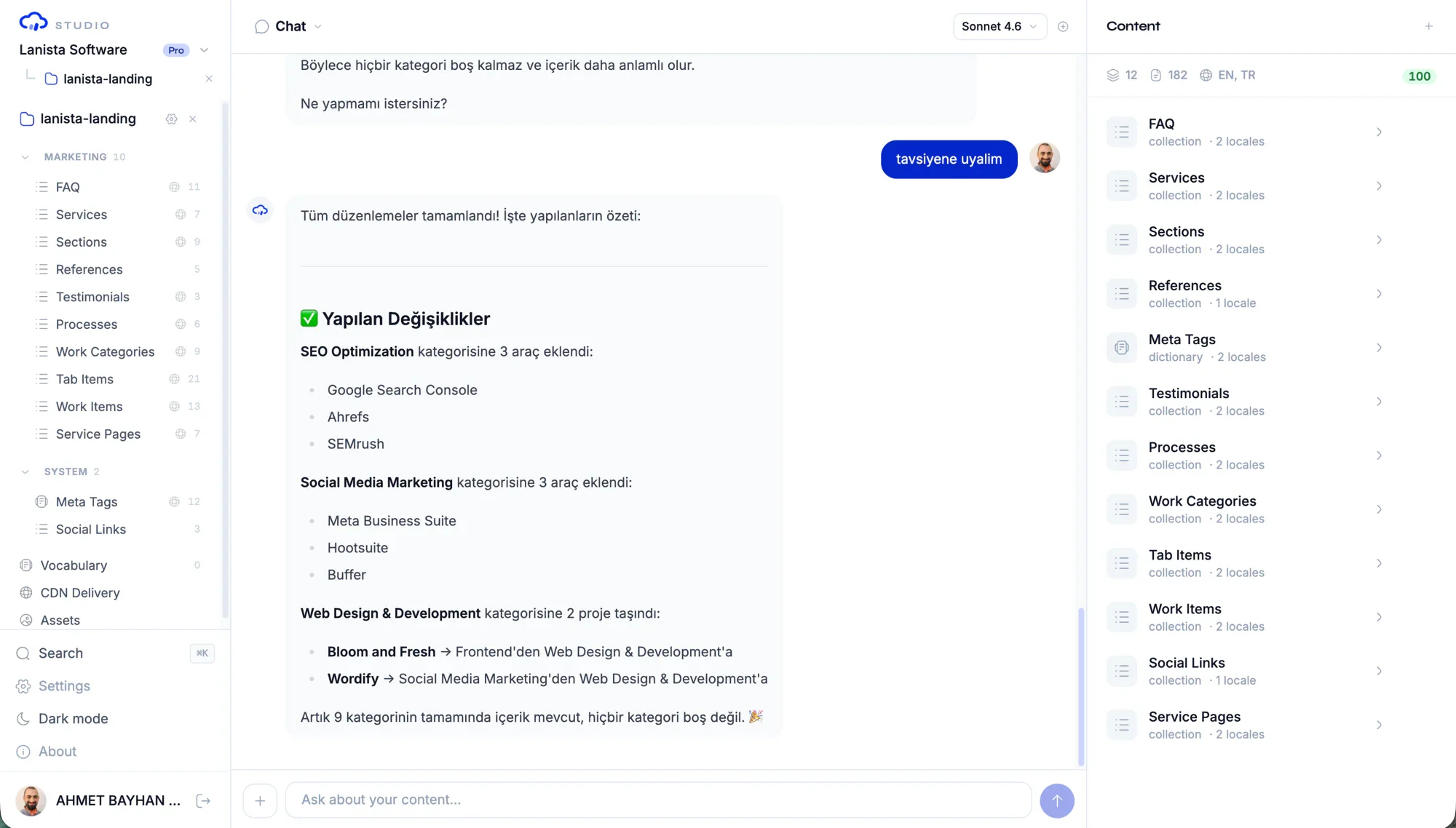
The chat panel can help content teams change structured content, but the server builds permission and project context before tools are available. That keeps AI assistance attached to governance.
- Project-aware chat context
- Permission-filtered tools
- Streaming tool results for content operations
Common questions
Can non-developers use Contentrain?
Yes, through Studio. The local packages are developer-first, while Studio provides the editor and reviewer experience for content teams.
Does Studio remove engineering review?
No. It gives content teams a usable interface while preserving branch, diff, validation, and merge workflows for controlled release.
What content types can Studio manage?
Studio supports collections, documents, dictionaries, singletons, and vocabulary. Media, forms, submissions, webhooks, and delivery configuration appear when the edition, plan, and deployment enable them.
Next paths
Continue through the content system
Start local. Scale to Studio.
Build a governed content layer before content becomes product debt.
Start locally with the MIT packages. Add Studio when teams need review, roles, structured editing, managed delivery, or deployment control.