
The team operating surface for governed content in Git
Studio gives teams structured editing, chat-assisted content work, roles, and review over Git-backed projects. Media, CDN, forms, webhooks, APIs, and remote MCP appear when the edition, plan, provider, and deployment support them.
Operating model
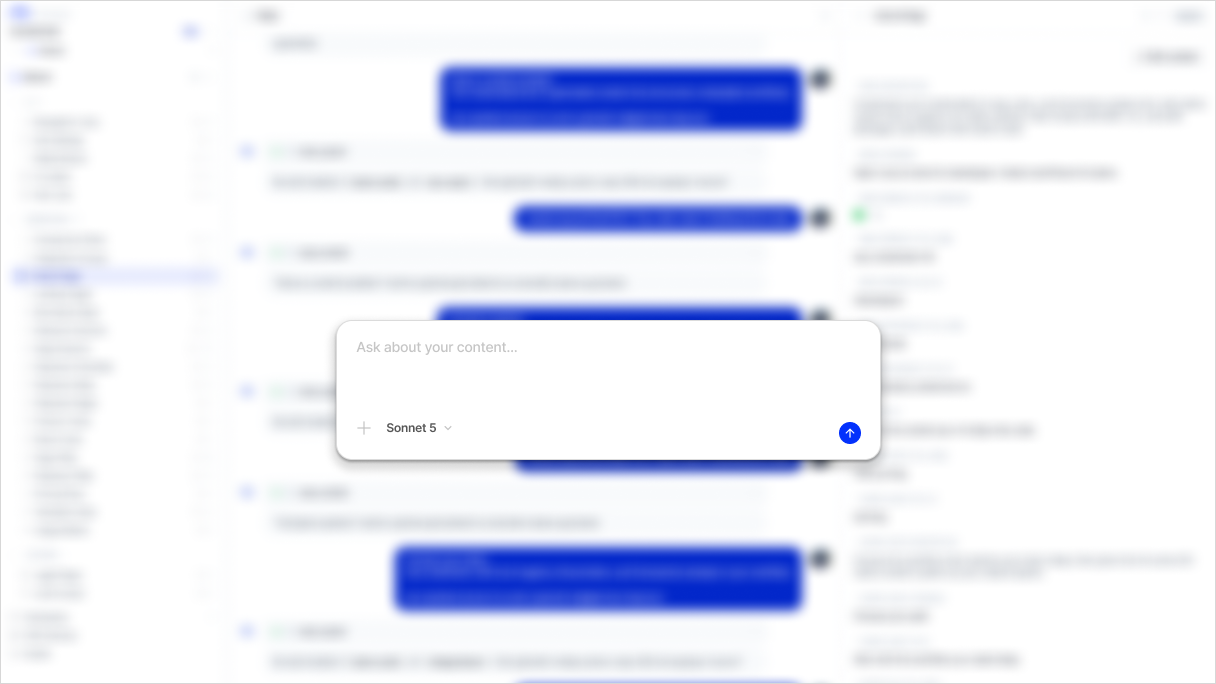
A team surface over Git, not a separate content database
Studio operates structured content through a content engine that validates, serializes, branches, commits, and reviews files. The repository remains the audit layer while the app gives non-developers a usable workspace.
- Workspace and project management
- Model-aware editing for collections, documents, dictionaries, and singletons
- GitHub and GitLab repository provider architecture
AI workflow
Conversation-first content operations
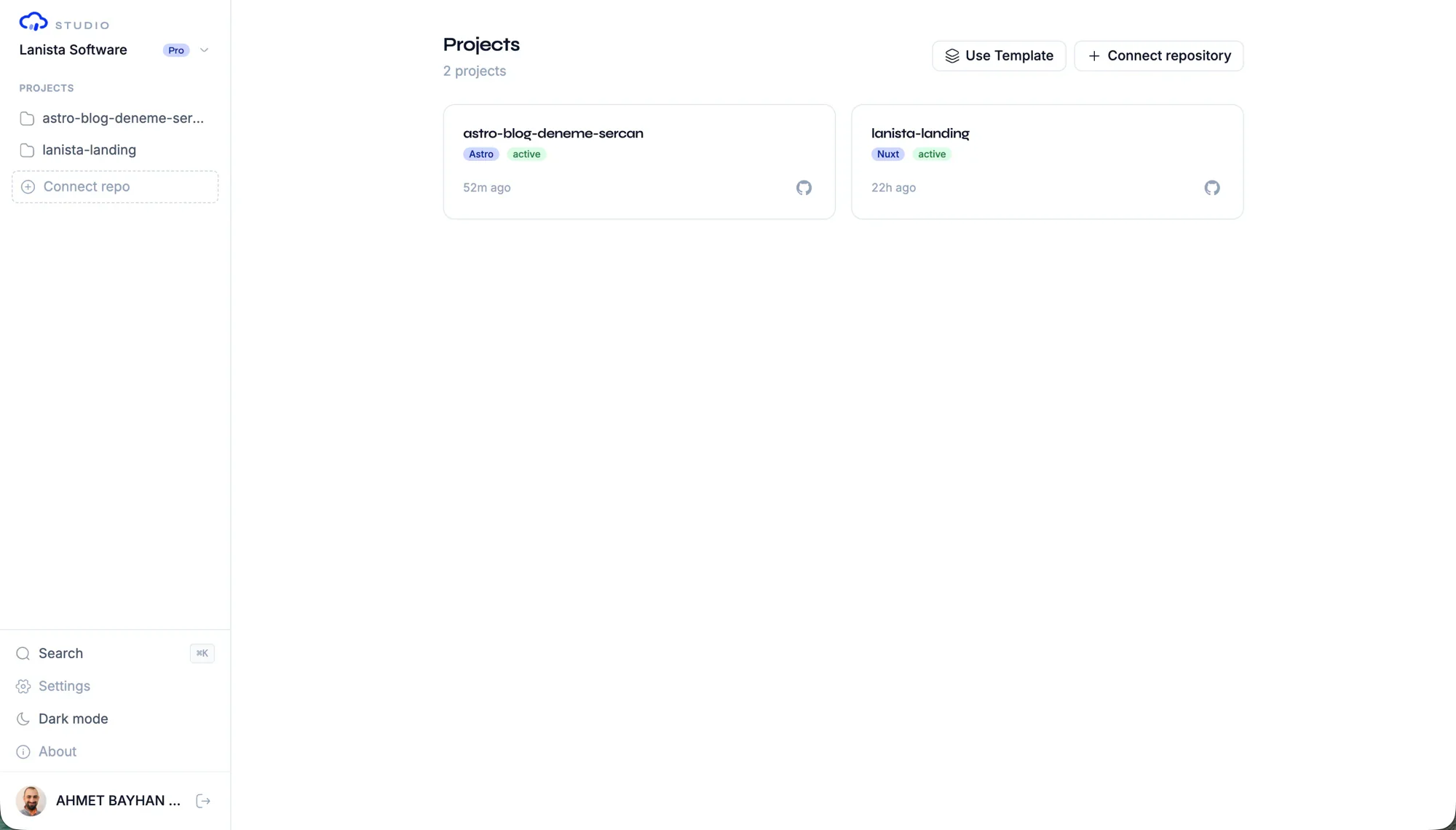
Studio chat is not a generic prompt box. The server builds project and permission context, then filters the operations available to the user. Conversation history is part of Studio; external Conversation API access is available on eligible editions and plans.
- Tool-driven, project-aware content operations
- Permission-filtered operations for each user
- Conversation history and eligible external API access
Governance
Roles, review, and branch health for teams
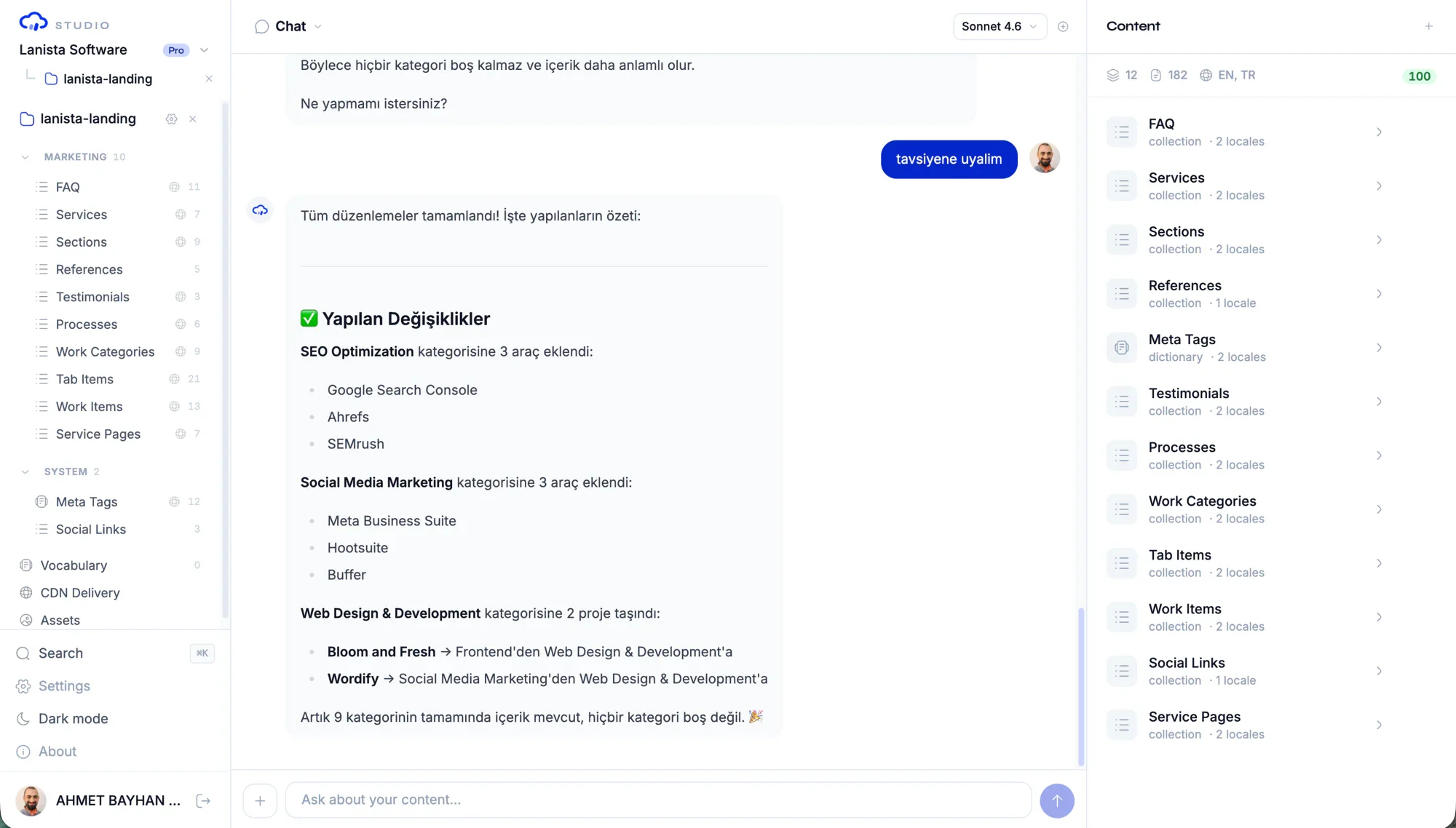
Studio adds workspace owner and admin controls plus project editor, reviewer, and viewer roles. Model-scoped access is available where the plan supports it, and branch health helps reviewers assess changes before merge.
- Workspace owner, admin, and member access
- Project editor, reviewer, and viewer roles
- Model-scoped constraints on eligible plans
Delivery
Add media and delivery operations when your deployment supports them
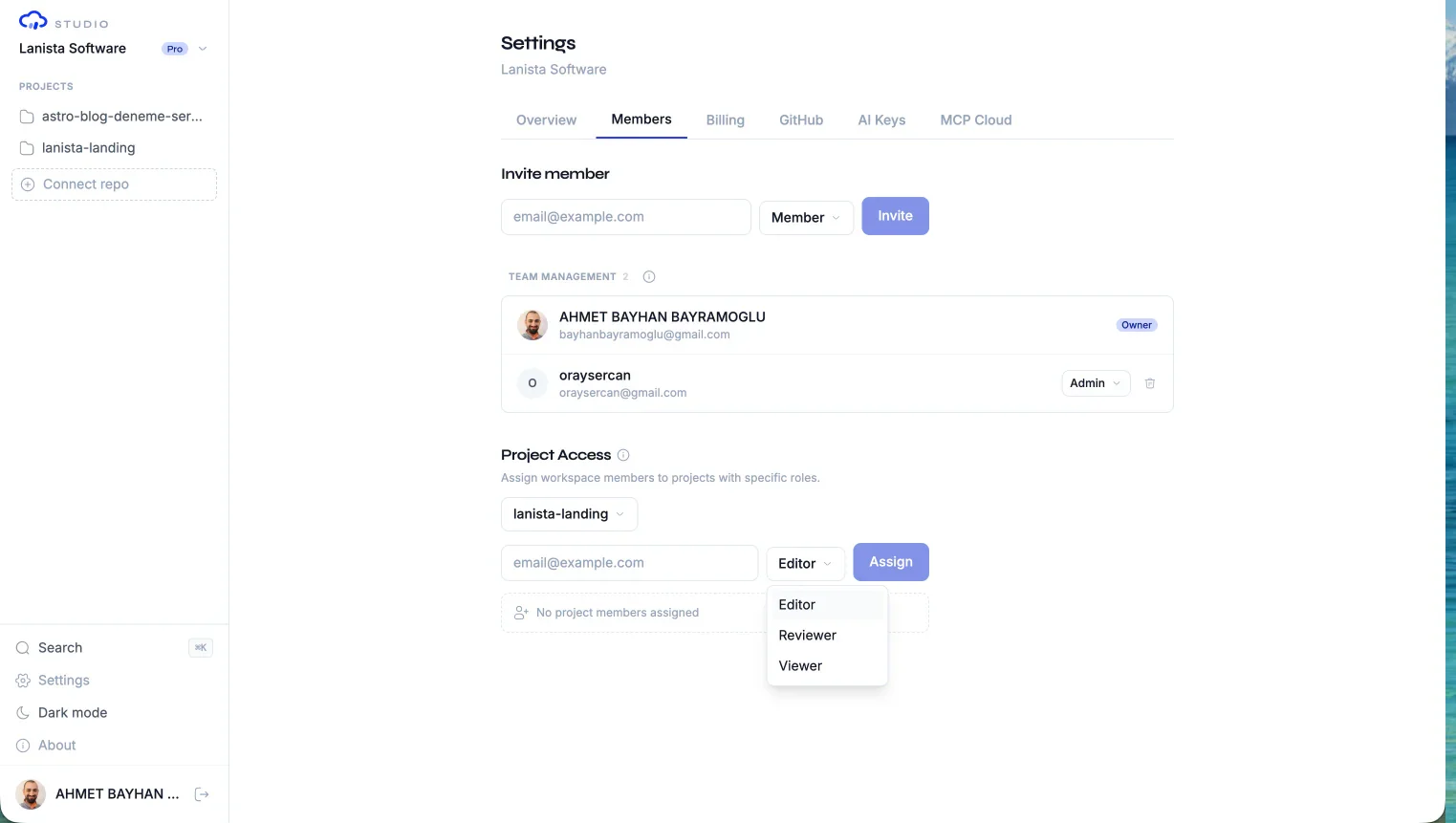
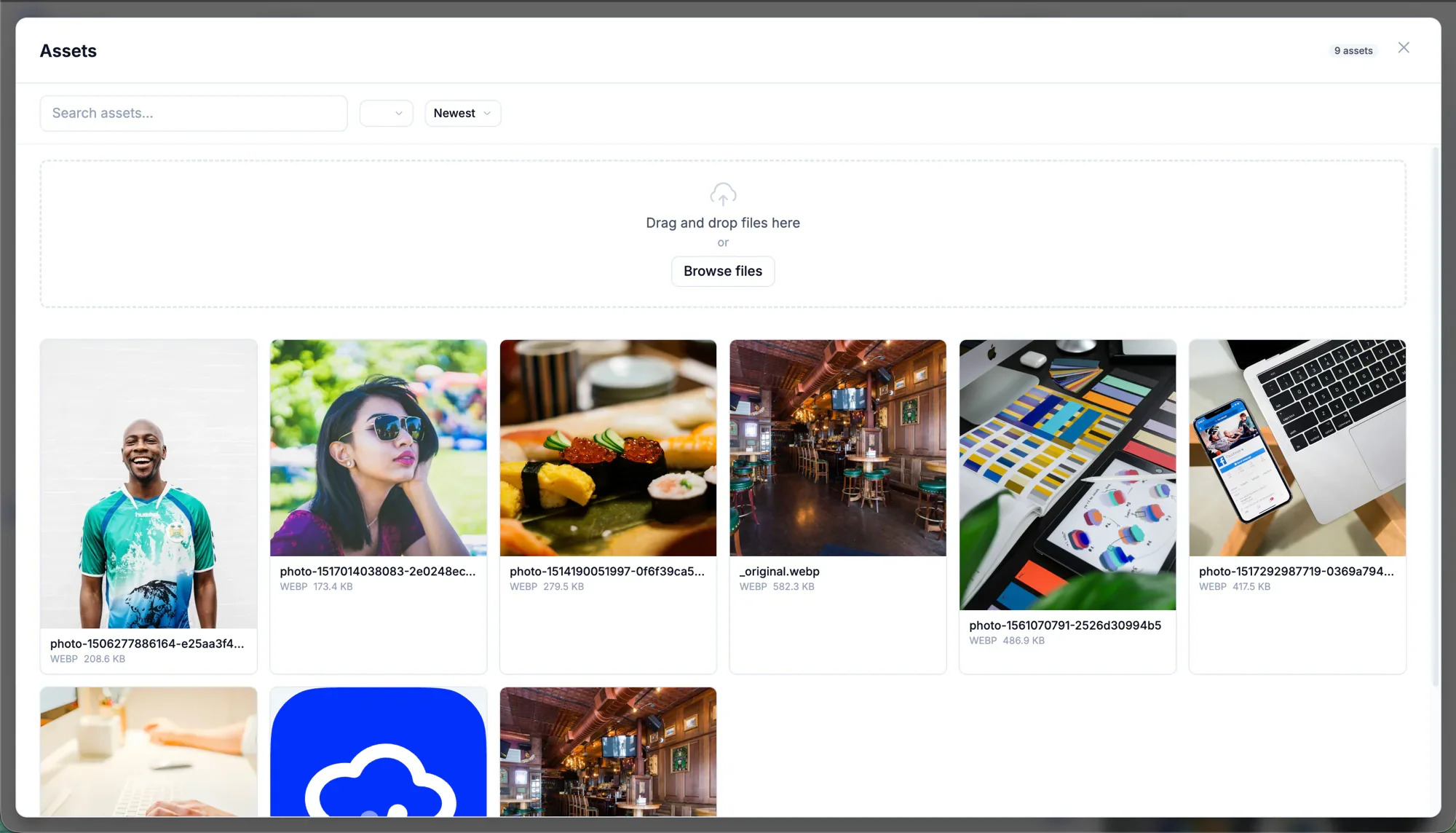
Studio can add asset management, media variants, CDN delivery, forms, submissions, and outbound webhooks to the same project workflow. These capabilities are conditional: availability depends on the Studio edition, workspace plan, provider facets, storage, and project configuration.
- Media library and upload on eligible plans with storage configured
- CDN delivery on eligible plans and enabled projects
- Forms and webhooks according to plan and edition
AI keys
Choose provider keys or managed AI usage where available
Studio supports deployment-specific AI key strategies and metered usage. Managed Studio keys, bring-your-own-key options, billing, and overages vary by edition and plan, so teams can choose the operating model their deployment supports.
- Deployment-aware AI key configuration
- Plan usage and overage visibility
- Billing controls for managed workspaces
Bring your own AI key
Use a Studio-hosted key or connect your own Anthropic account — your usage, your control.
Deployment choice
Start locally, add team operations when needed
Developers can begin with the MIT packages. Teams can then choose managed Studio or self-managed Community and Enterprise paths based on collaboration, infrastructure, support, and licensed-feature requirements, while content remains in Git.
- MIT packages for local developer workflows
- Managed Studio for eligible team operations
- Community and Enterprise paths for self-managed deployment
Pro
Team collaboration, higher limits, BYOA, and the Conversation API.
Common questions
Is Studio required for Contentrain projects?
No. Developers can initialize, validate, normalize, generate, and use the local MCP server with the MIT packages. Add Studio when content becomes a shared team workflow.
When should a team add Studio?
Add Studio when editors and reviewers need structured views, roles, branch review, and a shared workspace. Managed media, delivery, APIs, and remote MCP depend on the selected plan and deployment capabilities.
Does Studio bypass Git?
No. Studio is designed around Git-backed content files, commits, branches, diffs, validation, and the project's configured merge workflow.
Next paths
Continue through the content system
Studio adoption playbook
Add Studio for team review and roles, with media, delivery, and enterprise options where enabled.
Content editor workflow playbook
Give editors Studio workflows without losing Git review.
Content teams solution
How non-developers operate content with review.
Pricing
Compare Studio plans, included usage, and deployment options.
Start local. Scale to Studio.
Build a governed content layer before content becomes product debt.
Start locally with the MIT packages. Add Studio when teams need review, roles, structured editing, managed delivery, or deployment control.