
Govern the content your AI ships
Turn AI-generated UI copy, docs, and locale strings into structured content you can review and reuse.

Problem
AI-built apps create content faster than teams can govern it
Coding agents can generate pages, components, labels, docs, and localization candidates in minutes. Without a content system inside the repo, that copy becomes invisible product debt.
- Hardcoded strings spread through components
- Prompts create copy without shared rules
- Reviewers see code changes but miss content intent
▸ "Add a pricing FAQ entry"
→ contentrain_content_save
model: faq locale: en
→ contentrain_validate
✓ Saved to branch cr/content/faq
# agent proposes · you approve in Git
Normalize
Normalize turns agent output into structured content
The first move is not a CMS migration. Run Normalize against the codebase, approve what should become content, and generate access so future agents work with models instead of loose strings.
- Scan generated UI code
- Extract approved strings into models
- Patch reuse points after review
› agent calls contentrain_scan { mode: "candidates" }
Scanning source for hardcoded strings…
✓ Scanned 47 files
123 candidate strings found
marketing/hero 18
ui/navigation 24
ui/buttons 31
→ contentrain_apply extract: review branch cr/normalize/extract/…
✓ Ready for review in Git
Agent context
Rules and skills give agents a shared playbook
Contentrain rules and skills explain schema, SEO, i18n, accessibility, validation, and workflow expectations in a way agents can follow. That reduces prompt drift across sessions and teammates.
- Content quality and SEO rules
- Normalize and translation workflows
- MCP usage and security rules
# Agent operating rules
- Save content through MCP tools only
- Validate against the schema before submit
- Open a review branch per change
- Never edit generated files
# also .cursor/rules, .windsurf/rules, AGENTS.md
Team review
Studio adds human approval when the team grows
A solo developer can start locally. Teams can add Studio for content review, roles, and branch health, with media and delivery operations available when the plan and deployment support them.
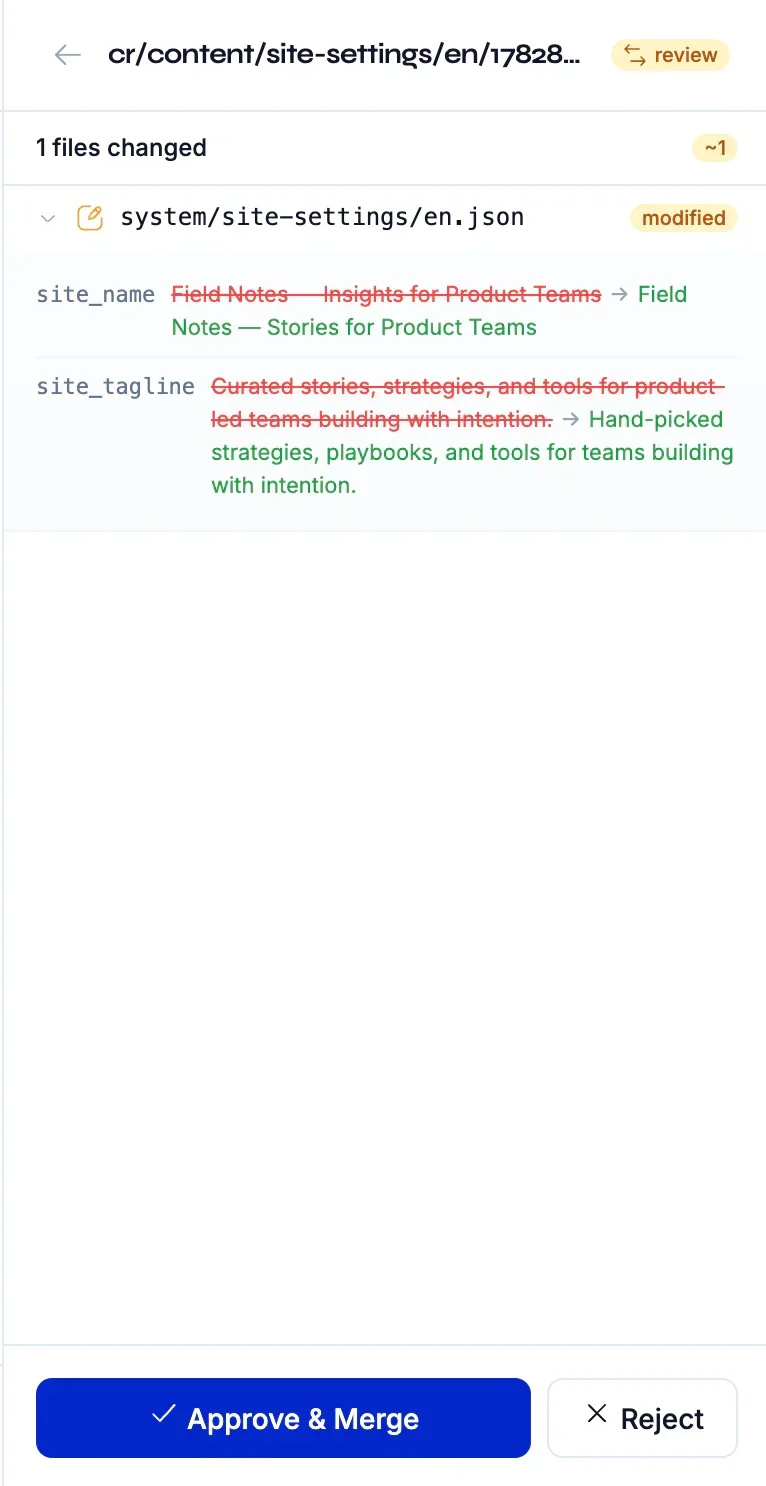
- Review branches and diffs
- Editor and reviewer roles
- Eligible media, CDN, forms, and webhook operations
$ contentrain diff
● Pending branches (3)
cr/content/marketing/hero +2 / -1
cr/content/blog/launch +5 / -0
cr/content/faq/pricing +1 / -0
✓ Approve in Git → merged to main
Outcome
The result is faster AI work with fewer uncontrolled changes
Agents still generate and modify content quickly, but the operating path is visible: models, validation, branches, review, and runtime access. That is the difference between acceleration and entropy.
- AI speed stays in the workflow
- Git remains the audit layer
- Content becomes reusable across product surfaces
Common questions
Why do AI-native teams need a content layer?
Because AI agents create copy constantly. A content layer makes that output reviewable, reusable, localizable, and visible to future agents.
Should the first CTA be Studio or init?
Start with npx contentrain init when the content problem is already inside the codebase. Add Studio when editors, reviewers, or governed team operations enter the workflow.
Can agents use Studio too?
Yes. Studio exposes governed content operations and conversation paths, while local MCP covers developer-side workflows.
Next paths
Continue through the content system
AI agent governance playbook
Bound MCP tools, rules, review, and validation for coding agents.
Normalize migration playbook
Move hardcoded UI copy into structured content safely.
Developer implementation playbook
Install, model, validate, generate, and ship runtime access.
Studio adoption playbook
Add Studio for team review and roles, with media, delivery, and enterprise options where enabled.
Start local. Scale to Studio.
Build a governed content layer before content becomes product debt.
Start locally with the MIT packages. Add Studio when teams need review, roles, structured editing, managed delivery, or deployment control.